1. The claim, and the catch
Every agency now says it uses AI. Most of them mean one of two things: a designer occasionally pastes a prompt into an image generator, or the agency has replaced junior designers with a model and a template. The first is harmless and barely counts. The second produces work that looks fine for a week and then looks like everyone else's.
There's a third way, and it's the one worth paying for. AI handles the parts of design that are volume and iteration, and senior people handle the parts that are judgment. The result isn't cheaper design. It's the same senior judgment applied to three times as many options, three times as fast.
2. Where AI earns its place
These are the jobs we hand to models without hesitation, because they are wide, repetitive, and improved by having more to choose from.
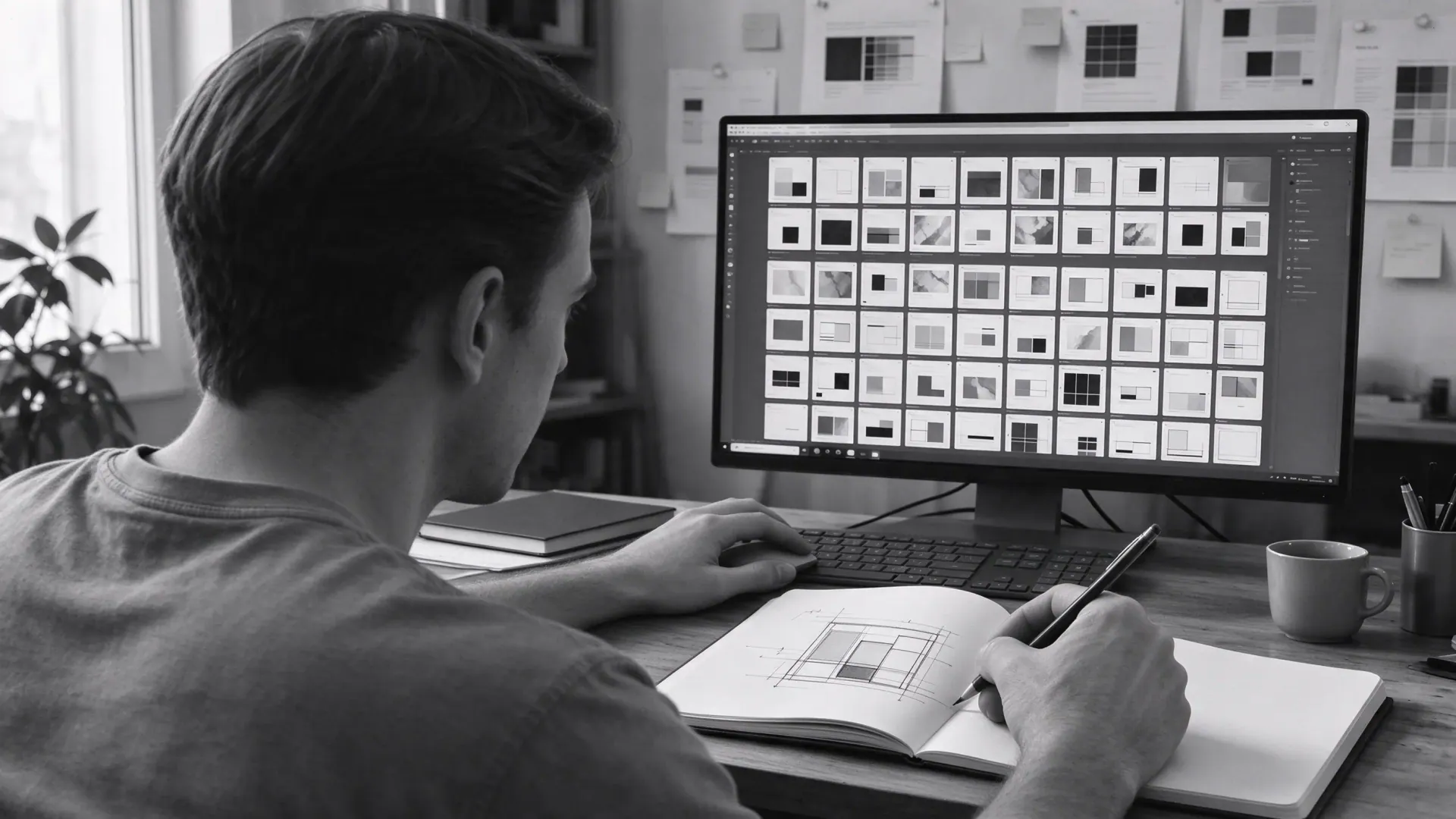
- Exploration. Thirty directions for a layout or a mark in the time one used to take. Most get thrown away. That's the point.
- Variants. Twelve sizes of an ad, five tones of the same headline, a campaign system in every format. The rules are set once, the model fills them.
- First drafts of content. Placeholder copy that's close enough to design against, image comps for mood, rough motion for timing.
- Production grunt work. Background removal, retouching, upscaling, resizing, file prep. The hours nobody enjoyed.
- Brand-trained generation. A model tuned on your palette, type and photography, so on-brand imagery arrives in minutes instead of days.
Notice what these have in common. None of them decide anything. They produce material for a person to react to.
AI produces options. A designer produces decisions. Pay for the second, and insist the first is fast.
3. Where it doesn't
Equally, there are jobs we never hand over, because the model has no way to know what matters to your business.
- The brief. What problem is this solving, for whom, and what does good look like? A model will answer confidently and wrongly.
- Strategy and hierarchy. What leads, what's secondary, what gets cut. This is the whole job.
- Brand decisions. A model can imitate a brand. It cannot decide what the brand should become.
- Craft. Kerning, rhythm, the half-pixel that makes a layout feel finished. Models get to 90% and stop.
- Accountability. Someone has to say "this is right" and stand behind it. That's a person, with a name.
4. A real day, start to finish
Here's how a landing-page request moves through a team working this way, with the AI-assisted parts marked.
| Step | Who | Time | Before |
|---|---|---|---|
| Brief call, scope confirmed | Project lead | 30 min | 30 min |
| Structure and hierarchy | Senior designer | 1 hr | 1 hr |
| Layout exploration (24 directions) | Designer + model | 45 min | 4 hrs for 4 |
| Pick, refine, craft | Senior designer | 3 hrs | 3 hrs |
| Placeholder copy and imagery | Model, checked by designer | 20 min | 2 hrs |
| Responsive variants | Designer + model | 40 min | 3 hrs |
| Review, revisions | Senior designer | 1 hr | 1 hr |
| First version to you | Same day | Day 3 |
Look at where the time went. The senior hours barely moved: the brief, the structure, the craft and the review are the same. What collapsed was everything around them. That's the shape of a good AI workflow: the judgment stays expensive, the material gets cheap.
5. What it means for you
Faster first drafts
Same-day or next-day for most requests, because exploration and variants no longer take days. You react to real work sooner, so the whole project finishes sooner.
More options, not more cost
You see twenty directions instead of three, and pay for the senior hours it takes to choose and finish one. The exploration is close to free.
Volume without the slide
Campaigns, social and resizing at scale, with a designer checking every output. The quality stays at the first piece, not the fortieth.
One thing it doesn't mean: cheaper senior design. Anyone promising that is either removing the senior part or hiding where the quality went.
6. Questions to ask any team
Whether you're hiring or outsourcing, these five questions separate a real AI workflow from a sales line.
- "Which steps use AI, and which never do?" A good answer is specific. A bad one is "all of it" or "it's just a tool."
- "Who reviews every output before I see it?" You want a name and a role, not a process diagram.
- "Is my data used to train anything shared?" The answer must be no, in writing.
- "Show me the exploration, not just the final." If the thirty options exist, they can show you.
- "What changed in your turnaround since you started?" If the honest answer is nothing, they aren't really using it.
Our own answers are the ones above, and the easiest way to check them is to give us a real task and watch how it comes back.
See the workflow on your own brief
Give us a real task. You'll see the exploration, the decisions and the finished piece, same week.
Timings are from our own projects in 2026 and will vary with scope. Client data is never used to train shared models; brand-tuned models are built per client and stay with that client.